AMAZING BET
Temple Run, Instagram, Flipboard, Vine, Angry Birds...sometimes it seems like all the great apps start on iOS before making their way to Android. But not all apps start their life inside of Apple’s walled garden—some have launched on Android first and have yet to make their way to iOS. While iPhone users are often first to experience the latest games, Android users get apps that fully automate their phones and predict what they want to type next.
Here are five apps that Android users can brag about to their iPhone-toting friends.

Tasker helps make your smartphone actually feel smart. The app lets you create profiles that automatically execute certain tasks when specific criteria are met. For instance, you can have your phone automatically launch the music app when you plug in headphones, or have your phone silence itself when you get to the office. There’s really no limit to the types of profiles you can create, and there are entire websitesdedicated to Tasker profiles if you’re not up to the task of creating one yourself.
The app does have a bit of a learning curve, though, so I’d recommend going throughthe tutorial or looking one up online to get down the basics. There’s a lot of trial and error involved when building your first Tasker profile, but there’s an unmatched feeling of joy when all your hard work finally pays off.
Sure the idea of automating your phone sounds nerdy, but it’s unequivocally cool to have your phone automatically respond to text messages while you sleep.

If you’ve ever created a file on your iPhone or iPad, you know what a huge pain it can be to move it off of the device. You have to either plug it into iTunes to retrieve it or hope that you have an app installed that works with the app you used to create the file in the first place. It’s way more convoluted than it should be.
While I’m not saying Android is any better when it comes to creating documents, it certainly is better at managing them. Astro File Manager gives you access to all of the data stored on your phone. The app lets you move folders and files around your phone’s internal memory and SD card, and you can also connect to your Box, Dropbox, and Google Drive accounts to move your files between your phone and the Internet (aka the cloud).
The app even has a memory manager so you can see which apps are taking up the most space on your phone so you can address them accordingly. You can also use Astro File Manager to back up your apps (and their data) to your MicroSD card—handy in case you need to reset your device or switch to a new one.
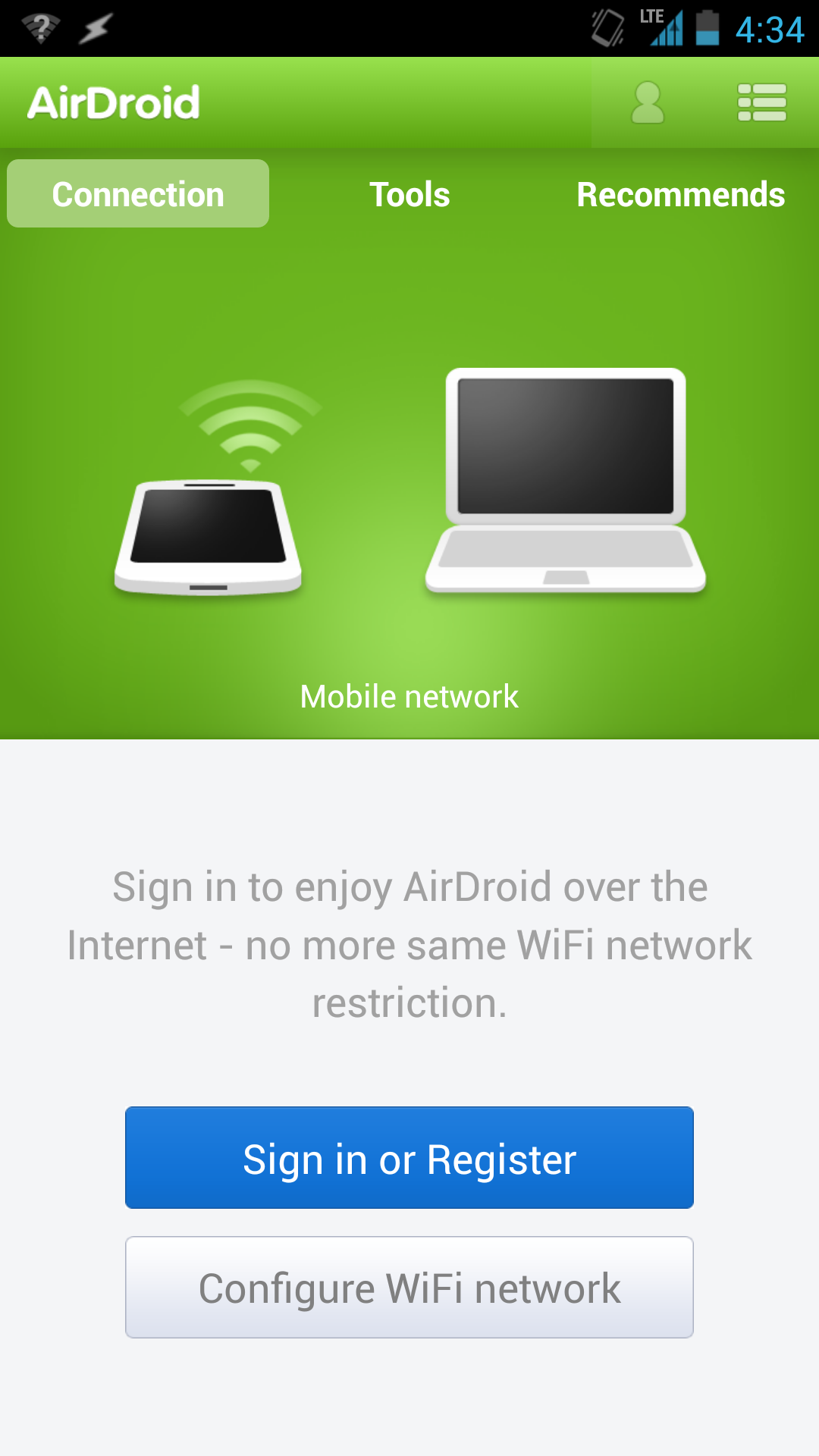
With AirDroid, you don’t even need to touch your phone in order to use it. The app lets you access your phone remotely by going to web.airdroid.com and scanning the QR code on the page. The free version of the service lets you do things like reply to text messages, organize your photos, and play music, while the paid version lets you remotely access your camera and helps you locate a missing or stolen device.
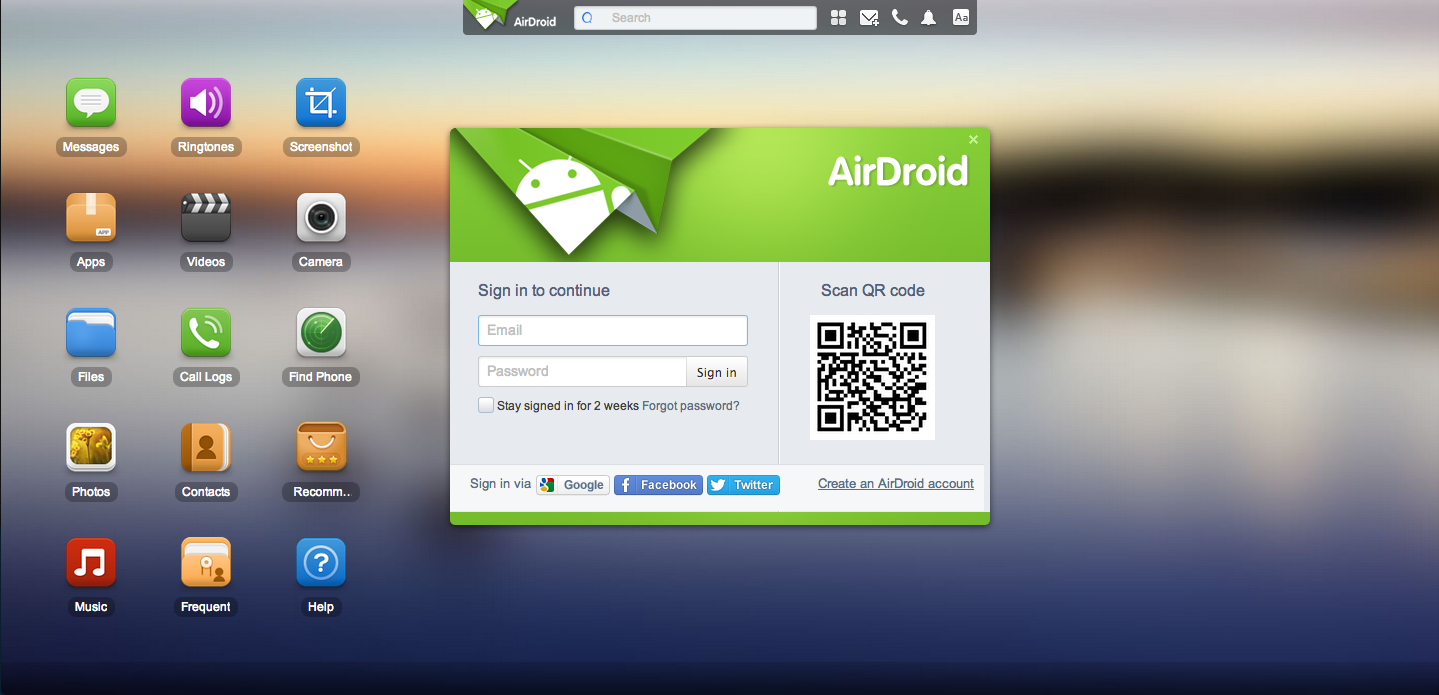
If you’re not one to carry a Micro-USB cable everywhere you go, AirDroid also lets you transfer content to and from your phone without ever having to plug it into your computer. (Just make sure you’re on Wi-Fi if you’re planning on moving over gigabytes of data.)
So why exactly would you want to access your phone on your computer? Aside from all the benefits I listed above, the number one reason to do it would be because you left your phone out of arm’s reach and are too lazy to get up to answer a text message. And there’s nothing wrong with that.

Say farewell to typos. SwiftKey is a third party keyboard app that adapts to the way you write by learning which words and phrases you use most often, allowing for a better typing experience because your phone isn’t constantly autocorrecting “Yo” into “to”. After a while, you get to the point where you can mash your thumbs randomly on screen and have SwiftKey predict exactly what you wanted to say, punctuation and all. Neat.
For those of us out there that find typing passé, SwiftKey has a feature called Flow that lets you glide your fingers over keys to form words and sentences (kind of likeSwype). SwiftKey also supports multiple languages simultaneously, so you don’t have to go into the settings every time you want to switch the keyboard language from English to French, and the app comes with several themes to change how the keyboard appears on screen.
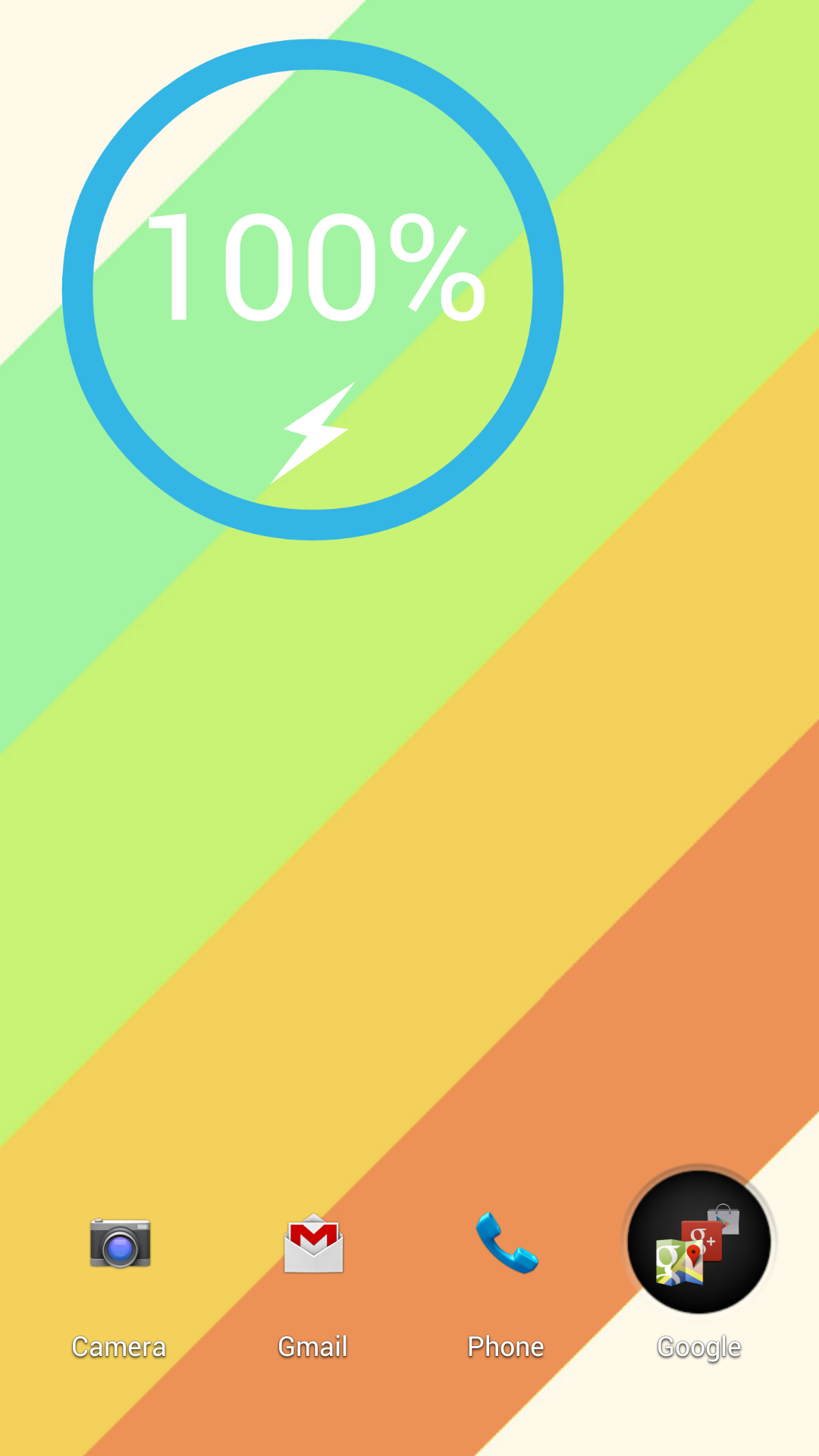
A home screen customized with Nova Launcher.
Shouldn’t your phone look the way you want it to? With Nova Launcher, you can customize your Android home screen to give it a unique look that’ll be the envy of everyone on your block. The app makes it easy to change your app icons, app drawer, and home-screen animations to something more in line with your artistic vision, and there are plenty of premade themes available on the Play Store (if you’re feeling lazy).
There are also websites and forumswhere people post their Android home-screen designs and tell you how you can achieve the same look—handy if you’re looking for some inspiration. On my home screen that you can see here, I hid the dock and the notification bar to give my phone a super minimalistic aesthetic. Try doing that on an iPhone.
Just days after reports revealed thatNational Security Agency (NSA) in the US actively looked at what people read on Wikipedia, Wikimedia Foundation announced on its website that it would implement HTTPS for logged-in users.
The foundation, a non-profit organization, manages Wikipedia. The S in HTTPS stands for secure.
Two days ago, Guardian newspaper revealed that with the help of a tool called XKeyscore, NSA was monitoring web users who accessed Wikipedia, the world's 7th most popular website.
Wikimedia said that to start with, it would offer HTTPS connection to all logged-in users from August 21. It will then gradually roll-out HTTPS for all users as well as implement additional security measures to make it harder for governments to snoop on Wikipedia users. However, it did not specify any deadlines for the additional security measures.
Following the Guardian report, Jimmy Wales, the co-founder of Wikipedia, had revealed on Twitter that the website was planning to switch to HTTPS from HTTP but there were a few bugs that had delayed the process.
"Our current architecture cannot handle HTTPS by default, but we've been incrementally making changes to make it possible. Since we appear to be specifically targeted by XKeyscore, we'll be speeding up these efforts," Wikimedia said on its website.
On Friday Wales announced the Wikimedia decision and tweeted, "I challenge the rest of the industry to join us. Encryption is a human rights issue."
HTTPS is more secure compared to HTTP. Websites using HTTPS establish a secure connection between their servers and the user's computer and greatly minimize the privacy risk. The secure connection means that third parties like government agencies or internet service providers (ISPs) can not read the content of data that a website and its users exchange.
However, the government agencies, hackers and internet service providers can still collect this data and possibly read it if they can break the encryption.
Initially, only banks and other organizations mindful of cyber security risks used HTTPS. But gradually email service providers and e-commerce websites started using it on their login pages. Currently, popular websites like Google, Facebook and Twitter use HTTPS but the majority of websites, including big ones like Yahoo! still rely on HTTP.
A study by Data Genetics has discovered the most dangerous PIN numbers by analyzing 3.4 million passwords.
Representational image - DNA
A study has revealed that the world’s most popular four-digit ATM PIN number combinations, like 1234, are the most dangerous combinations and can be guessed easily.
The Huffington Post reports that there are 10,000 different possible four-digit ATM PIN numbers, but almost 11 percent of PINs are the most easiest to crack.
A study by Data Genetics has discovered the most dangerous PIN numbers by analyzing 3.4 million passwords.
The top 10 most commonly used PIN numbers found out by the study are 1234, 1111, 0000, 1212, 7777, 1004, 2000, 4444, 2222, 6969
The top 10 most common passwords make up over 20 percent of all of the passwords found, the report added.
Meanwhile, 26.83 percent of all passwords could be guessed by attempting the top 20 most popular combinations.
The study also revealed that four digit numbers starting with 19, for 19th century, are also bad passwords.
Meanwhile, the study also found out the best, but least popular, passwords to be 8068, 8093, 9629, 6835, 7637, 0738, 8398, 6793, 9480, 8957.
Universal Serial Bus, the connectivity standard so ubiquitous the world has long stopped caring about the derivation of the USB acronym, has just been upgraded to 10 Gbps.
The upgrade comes in the form of a .1 release, USB 3.1, that is backwards compatible with USB 3.0 and 2.0 kit. The new speed will only be achievable with kit using USB 3.1, but such products will work just fine in older USB ports.
The move to USB 3.1 was foreshadowed back in January 2013, so is no surprise, not even to Intel, whose Architecture Group veep Alex Peleg says in the canned statement (PDF) noting the new spec that “The industry has affirmed the strong demand for higher through-put, for user-connected peripherals and docks” and “Intel is fully committed to deliver on this request.”
We mention Chipzilla because it's been pushing its own Thunderbolt I/O standard as an alternative to USB. Those efforts have been less than astoundingly successful, as peripheral-makers have not adopted the standard, leading PC-makers like Acer towalk away because there's no point adding a feature users don't want.
Thunderbolt's still faster than USB 3.1 – the second version of Intel's baby hums along at 20 Gbps – and it has daisy chaining tricks that USB doesn't match. USB's retort is to point to the scoreboard of signed-up, productive, peripheral-makers. Thunderbolt's list mentions fewer than 120 products using the technology.
The USB 3.1 logo
The USB Implementers Forum says it has 800 members, and the space fiend alone knows how many products they collectively offer.
Information sessions on USB 3.1 kick off on August 21st. There's no word on when kit using the new version of the standard will land, but as the standard's been kicked around between USB forum members for ages there are few impediments to its implementation

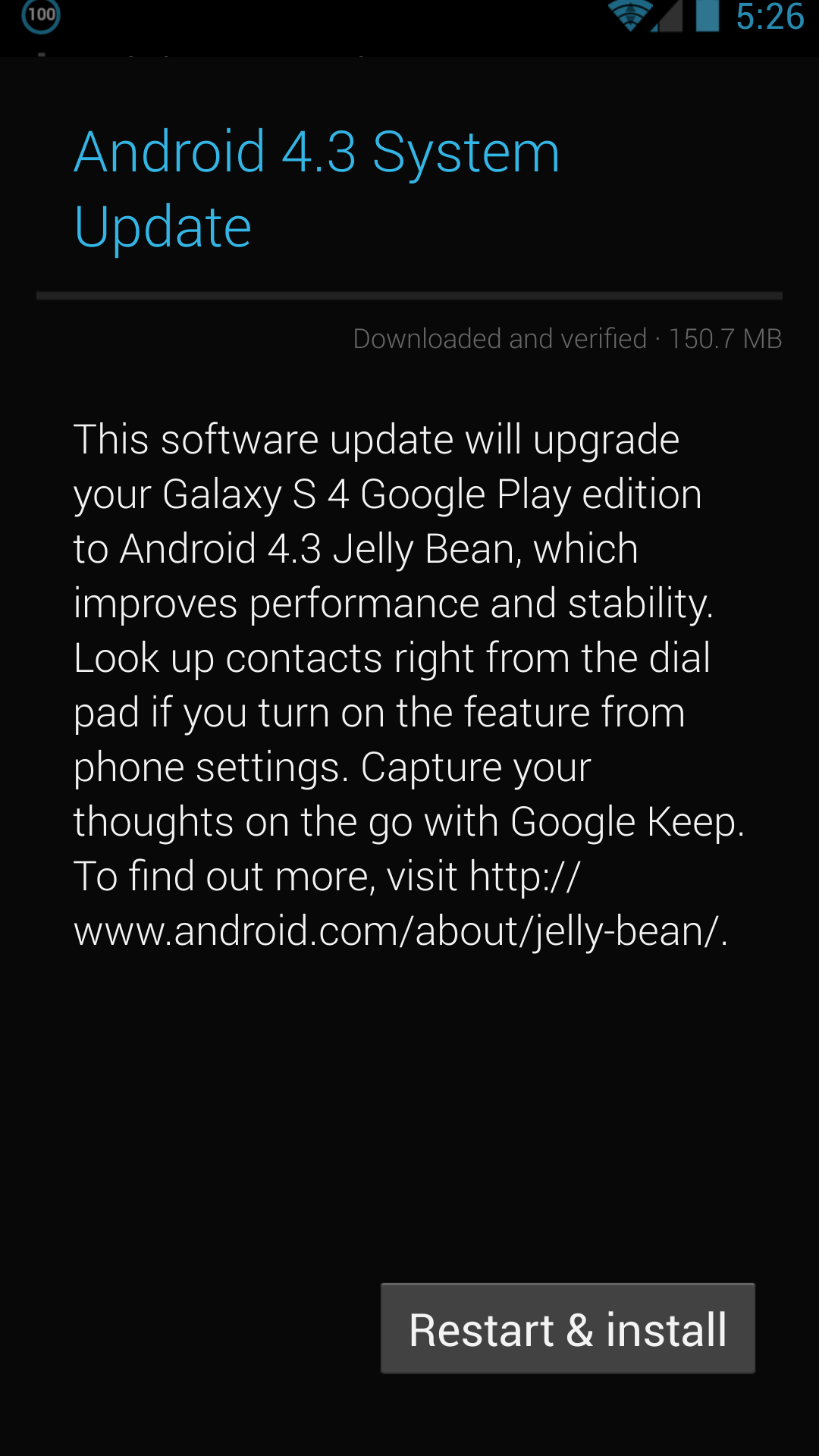
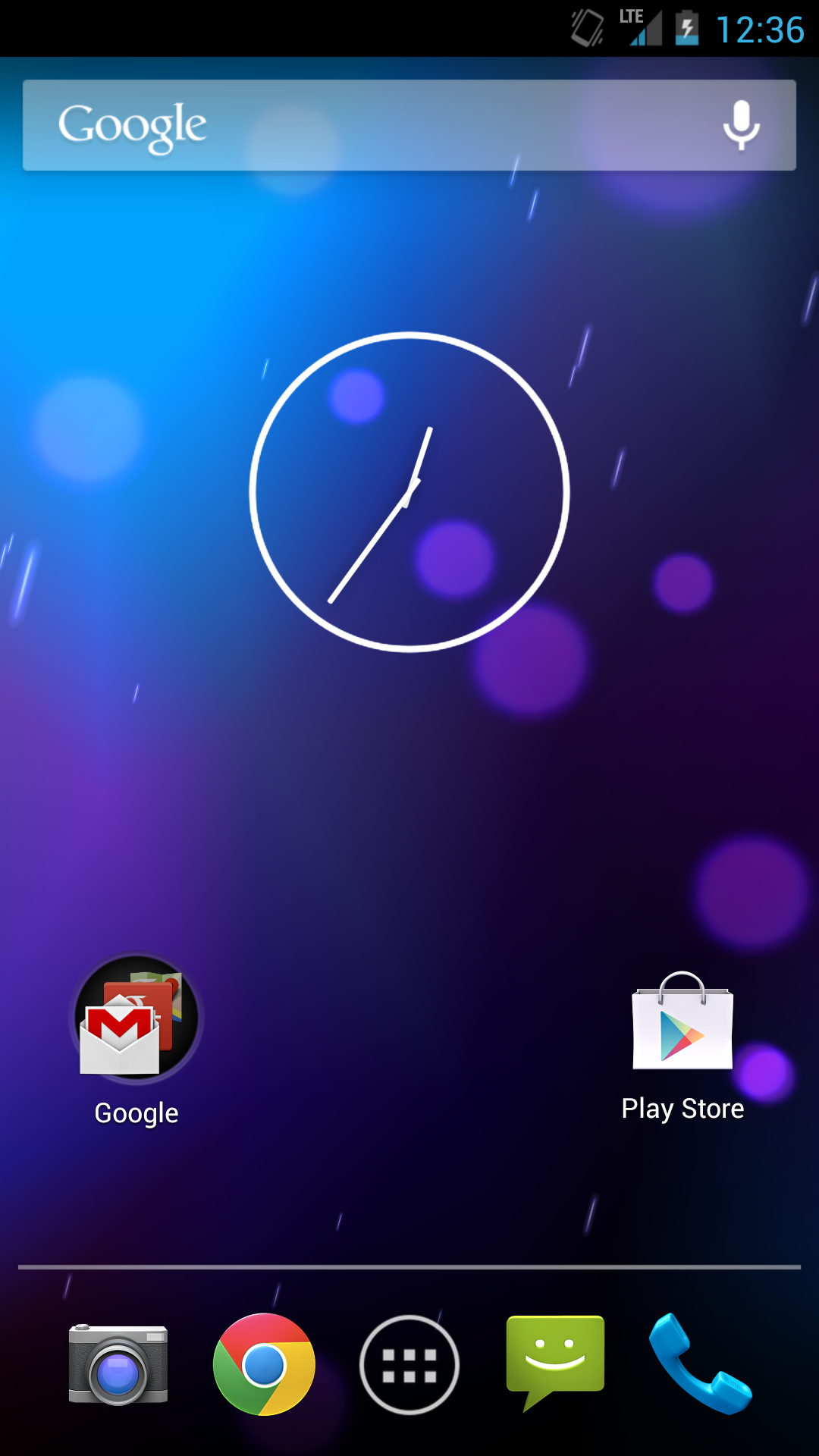
It's been a busy week in the Android space, and this evening Google appears to have hit the button on the Android 4.3 (Jelly Bean MR2) update for the HTC One and Samsung Galaxy S4 Google Play edition phones. I just got the 4.3 OTA notification on both of my Google-suppled GPe phones. The update is around 150 MB for the SGS4 and 180 MB for the HTC One, and comes as build JWR66V. This comes immediately after both HTC and Samsung released their Android 4.3 kernel sources online. Seems as though Google made good on its promise for speedy updates to the Google Play edition phones, as this comes about a week after the official Nexus program 4.3 OTA started. I'll be digging around inside to see if anything major sticks out beyond what's expected from 4.3.
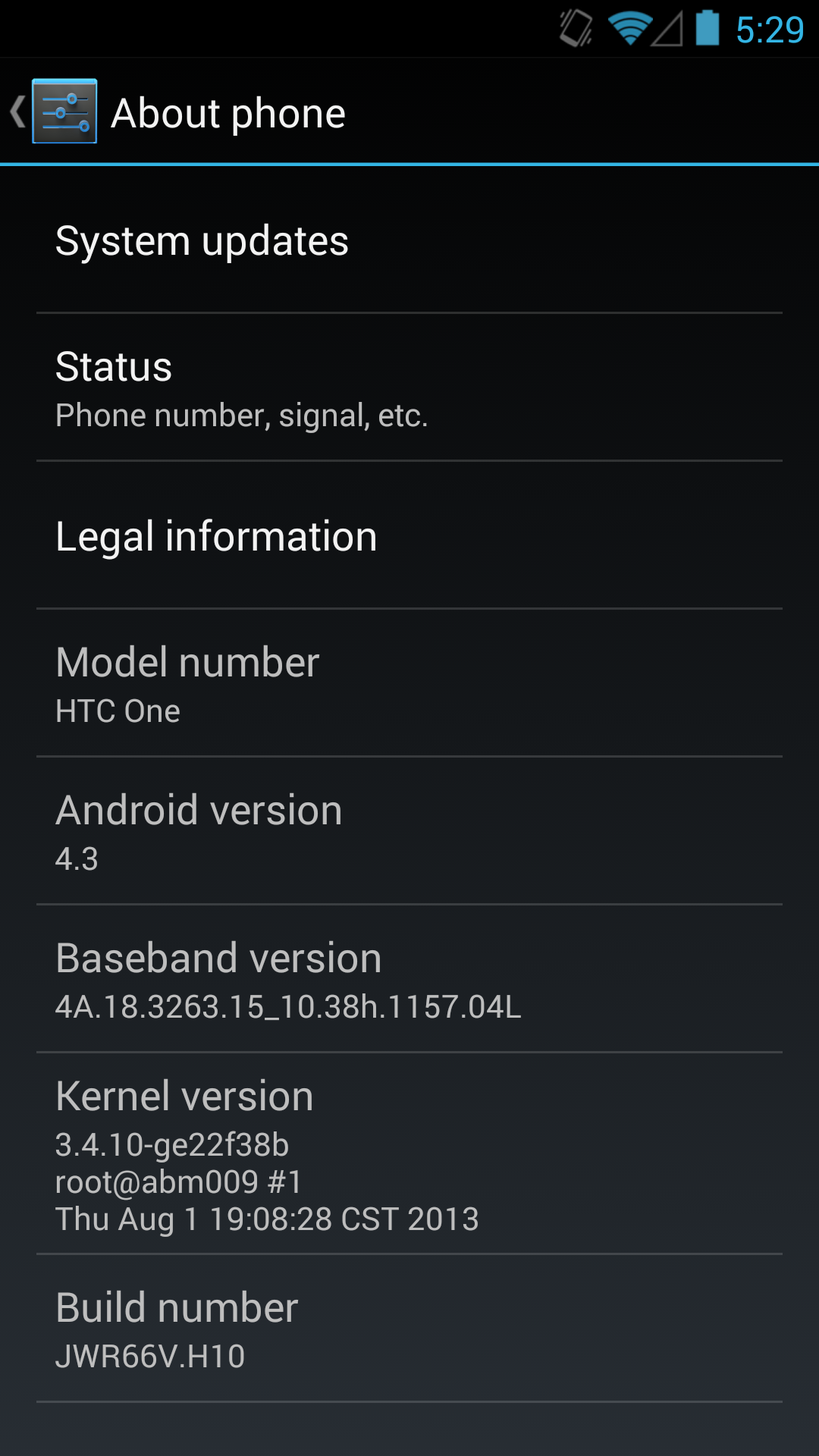
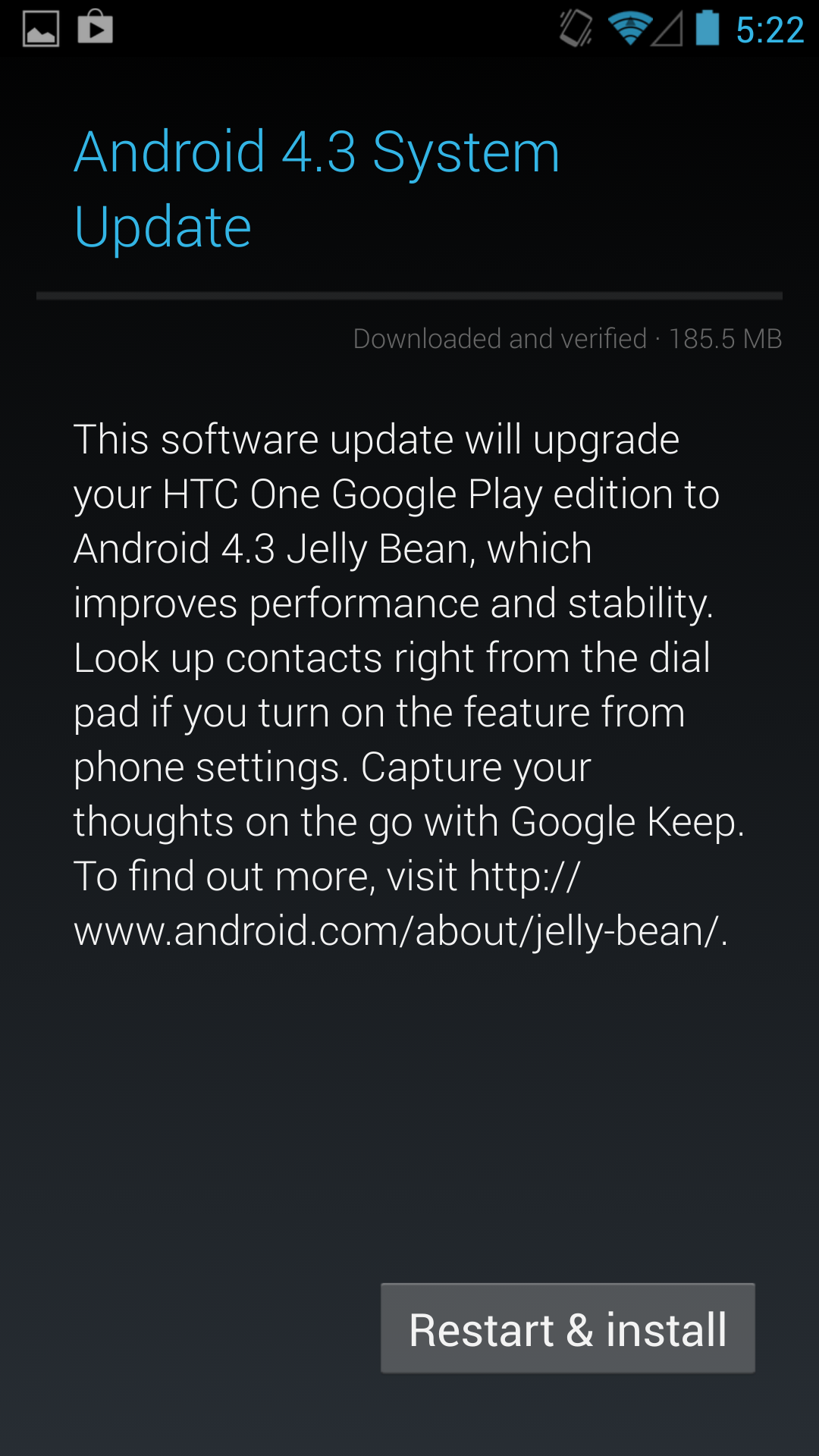
Left: HTC One, Right: SGS4
For more on what's new in Android 4.3, check out my previous post or the official Android platform highlights post for 4.3.
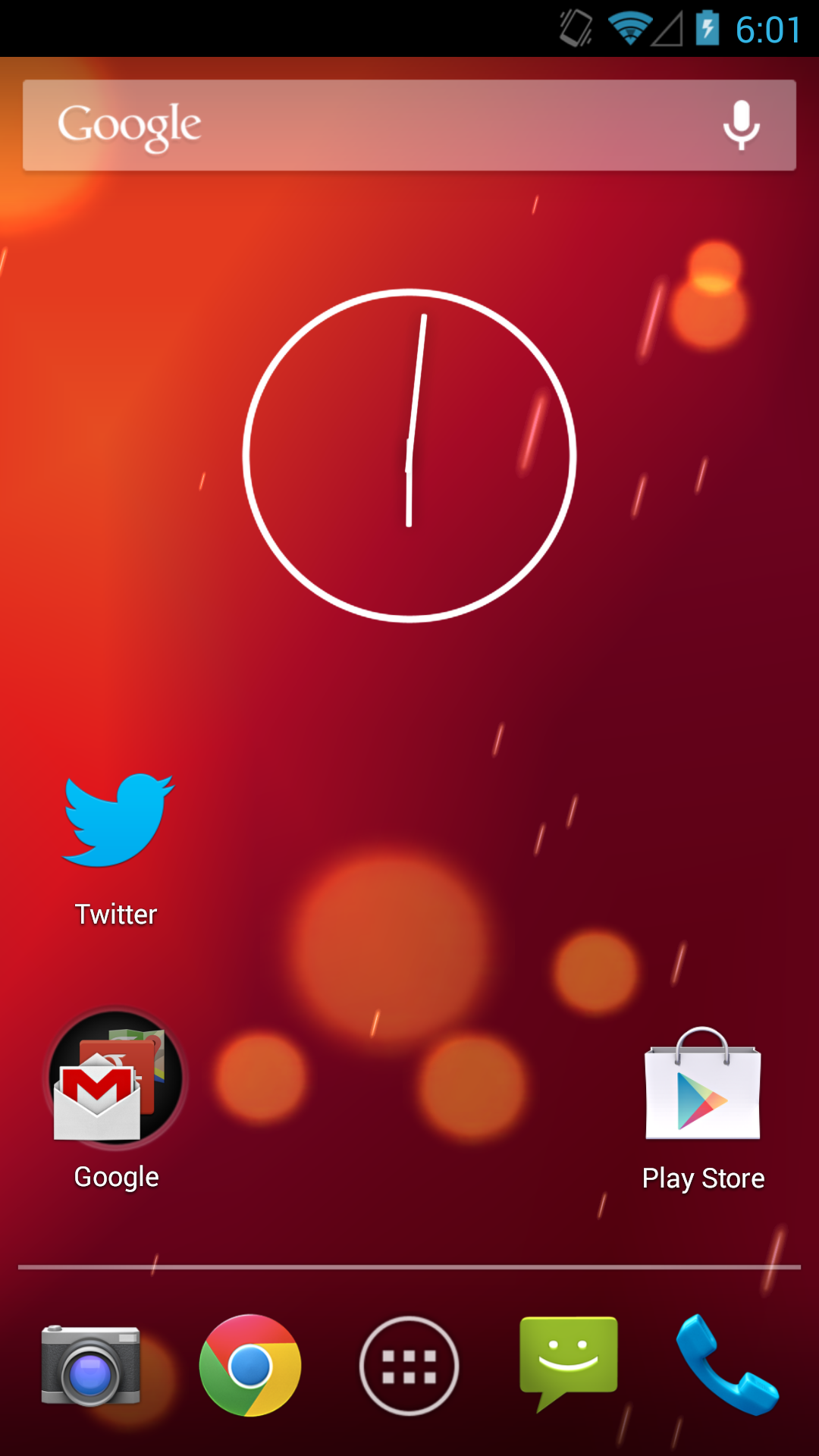
Left: HTC One 4.3, Right: HTC One 4.2
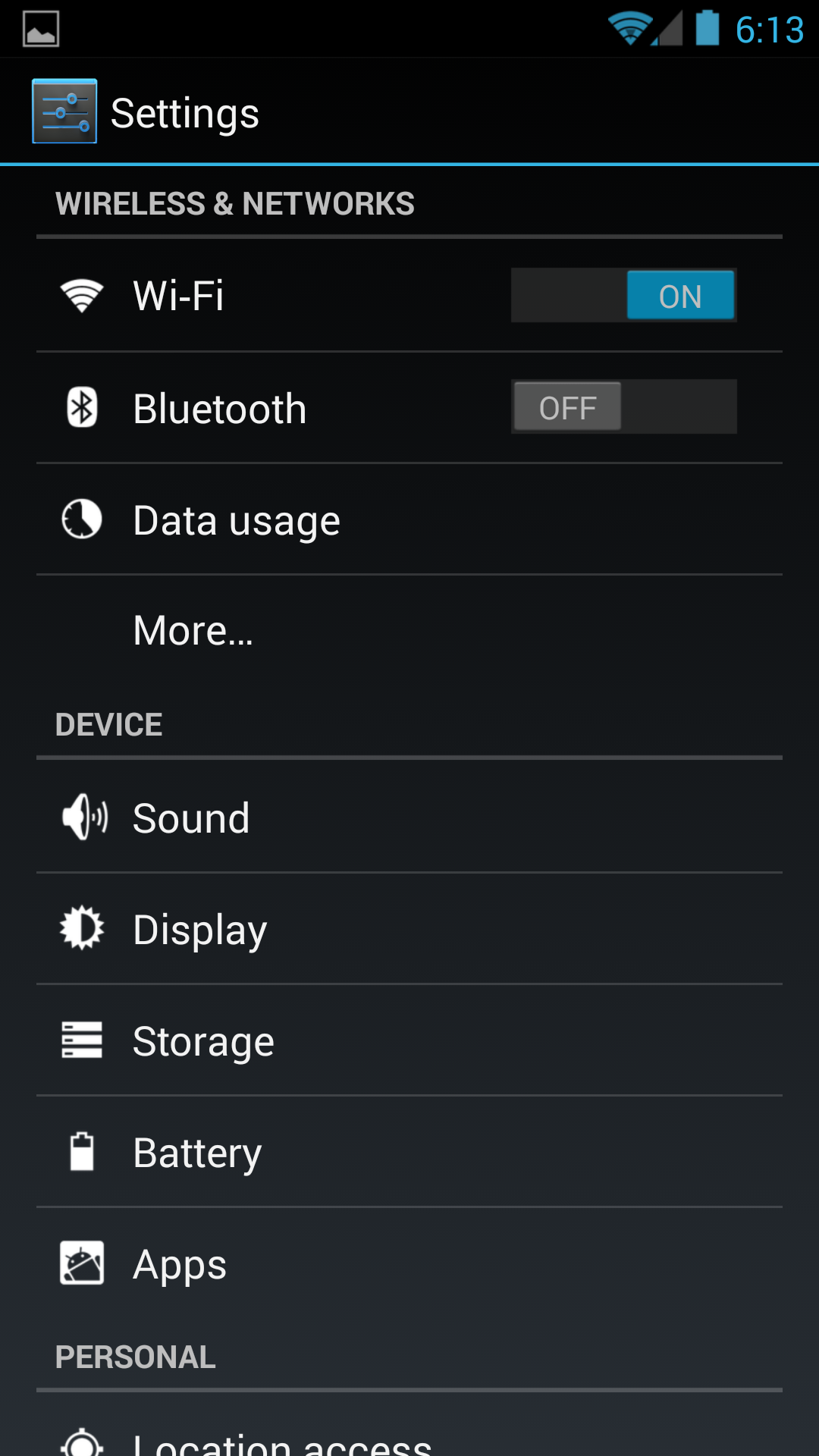
Update: Major changes seem to be increased icon sizes on the widget panels as shown above on both HTC One and SGS4, and working IR on the HTC One, thanks @nkj. Bluetooth tethering has also been added to the SGS4 GPe, meaning I can finally use that device with Google Glass and my Parrot Asteroid Smart head unit, which both require Bluetooth internet tethering to work. The solid black background on the SGS4 GPe in settings and other places has also been replaced with the stock Android 4.x gradient.

Left: Bluetooth Tethering added on SGS4 GPe 4.3, Right: Gradient behind elements instead of solid black